 Sign in
Goofy Goblins
brand kit
Our logos, mascot, colours and words, for clan leaders and creators who present Goofy Goblins outside the game. Take what you need; the few rules below keep it looking like us.
01
Logos
Use the SVG wherever you can: it stays sharp at any size. The PNGs have transparent backgrounds, and the lockups and wordmark work on light and dark alike.


Banners
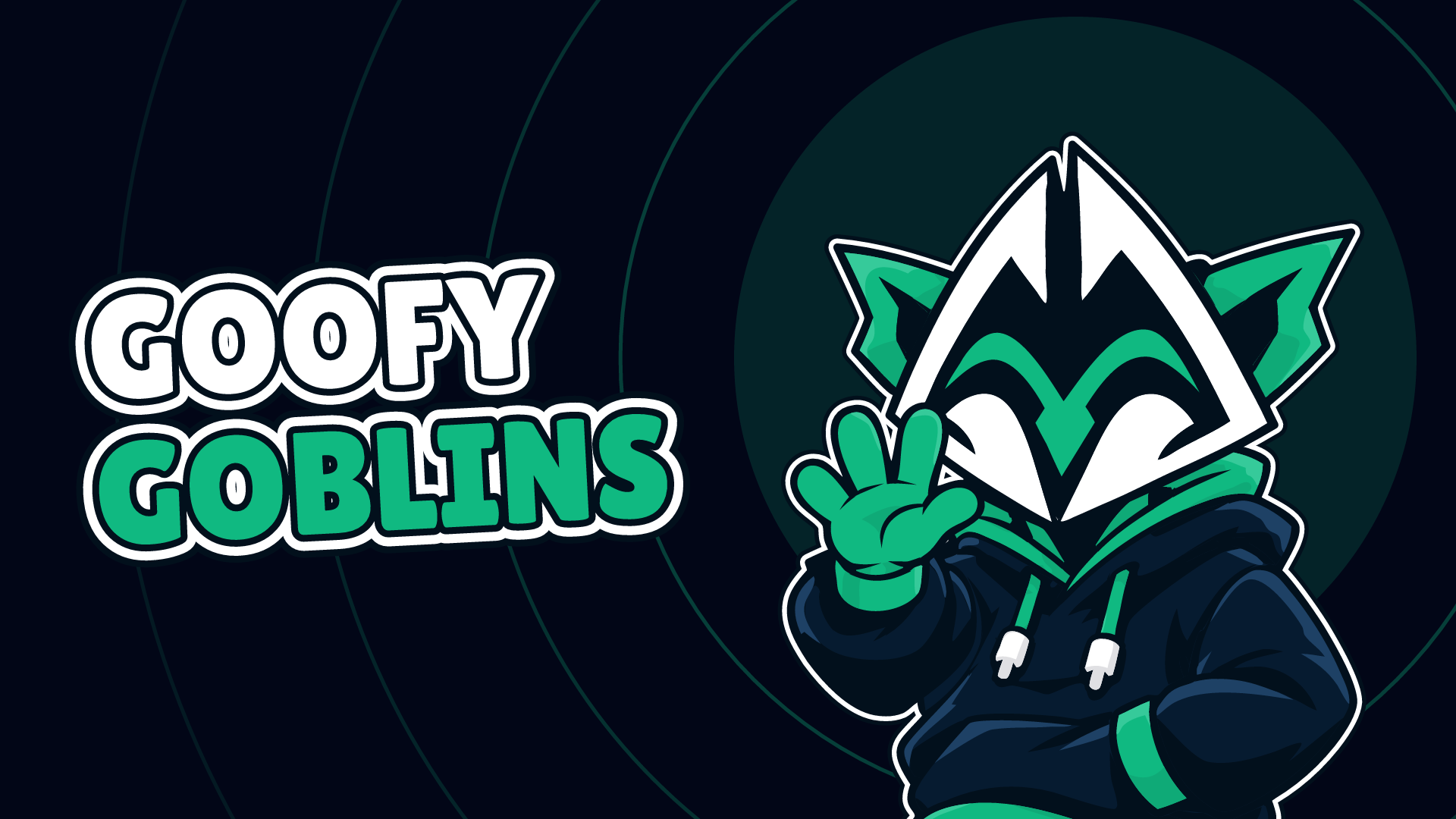
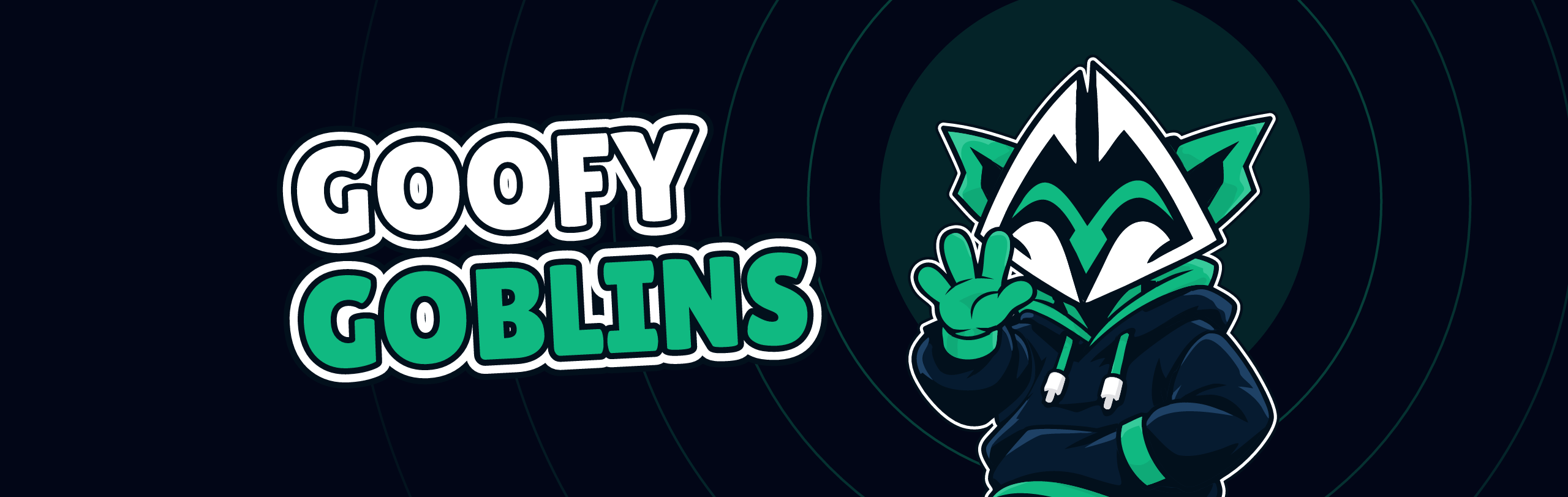
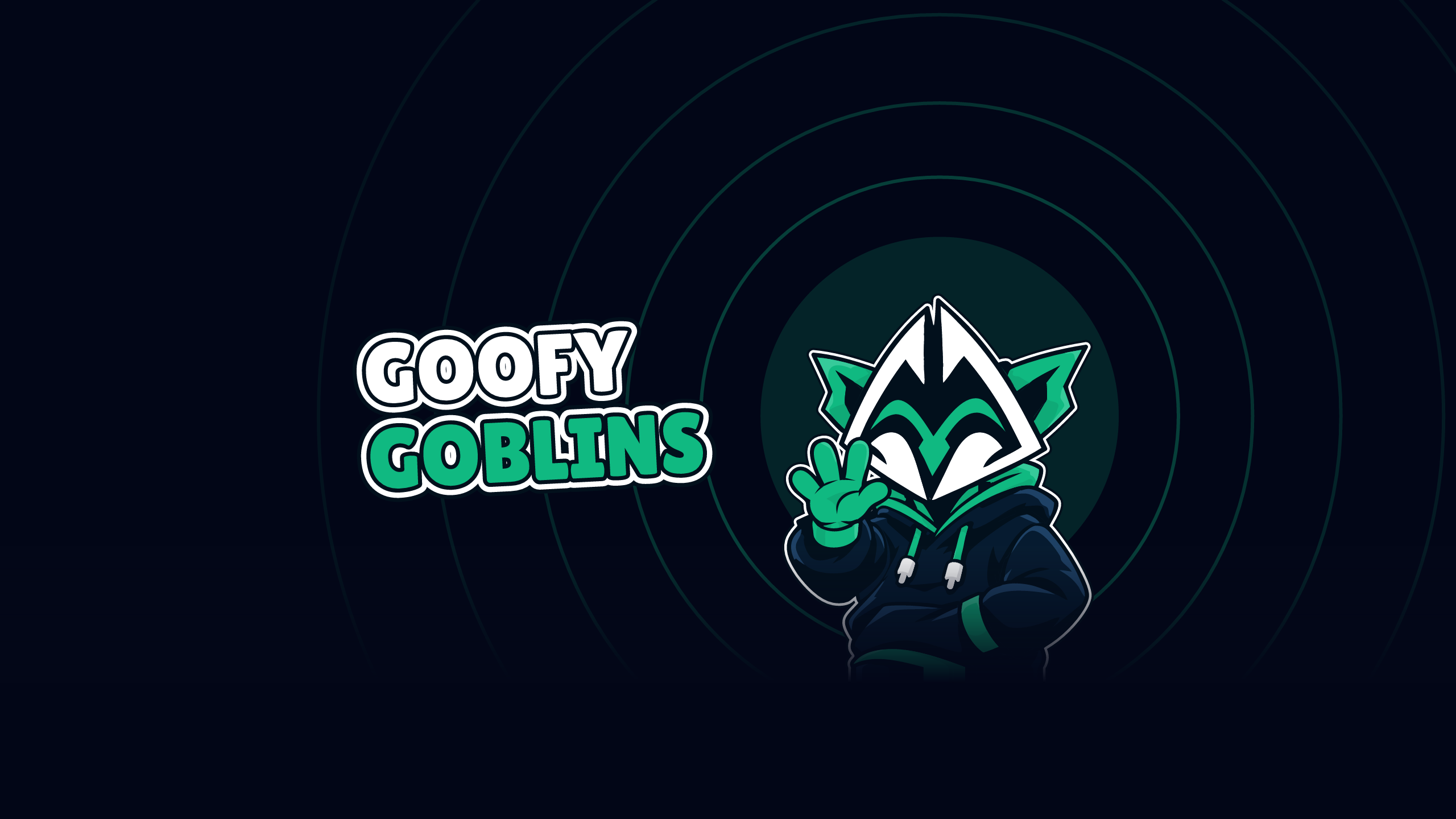
Ready-made headers for a Discord server, an X profile and a YouTube channel.
Recruitment
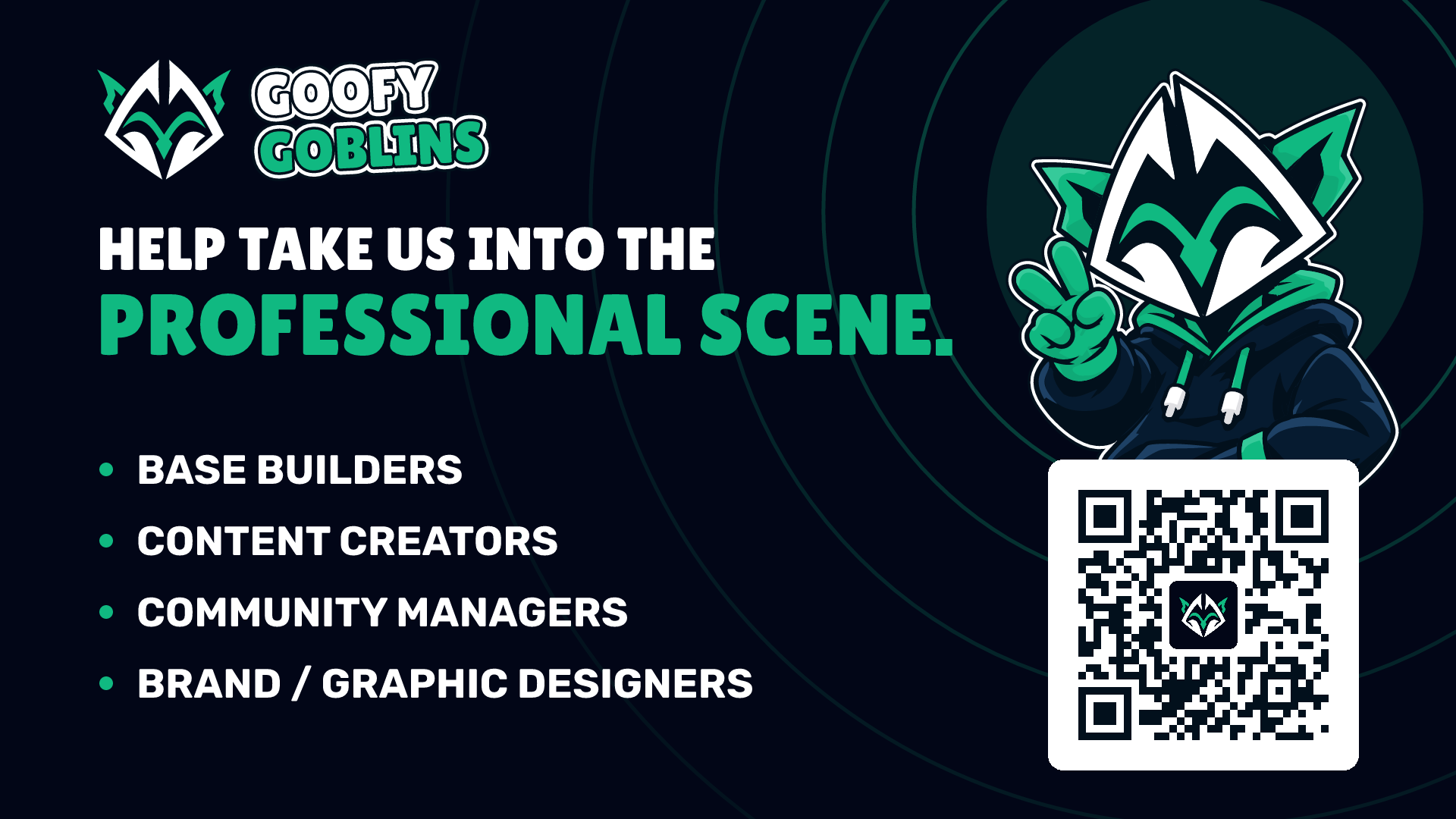
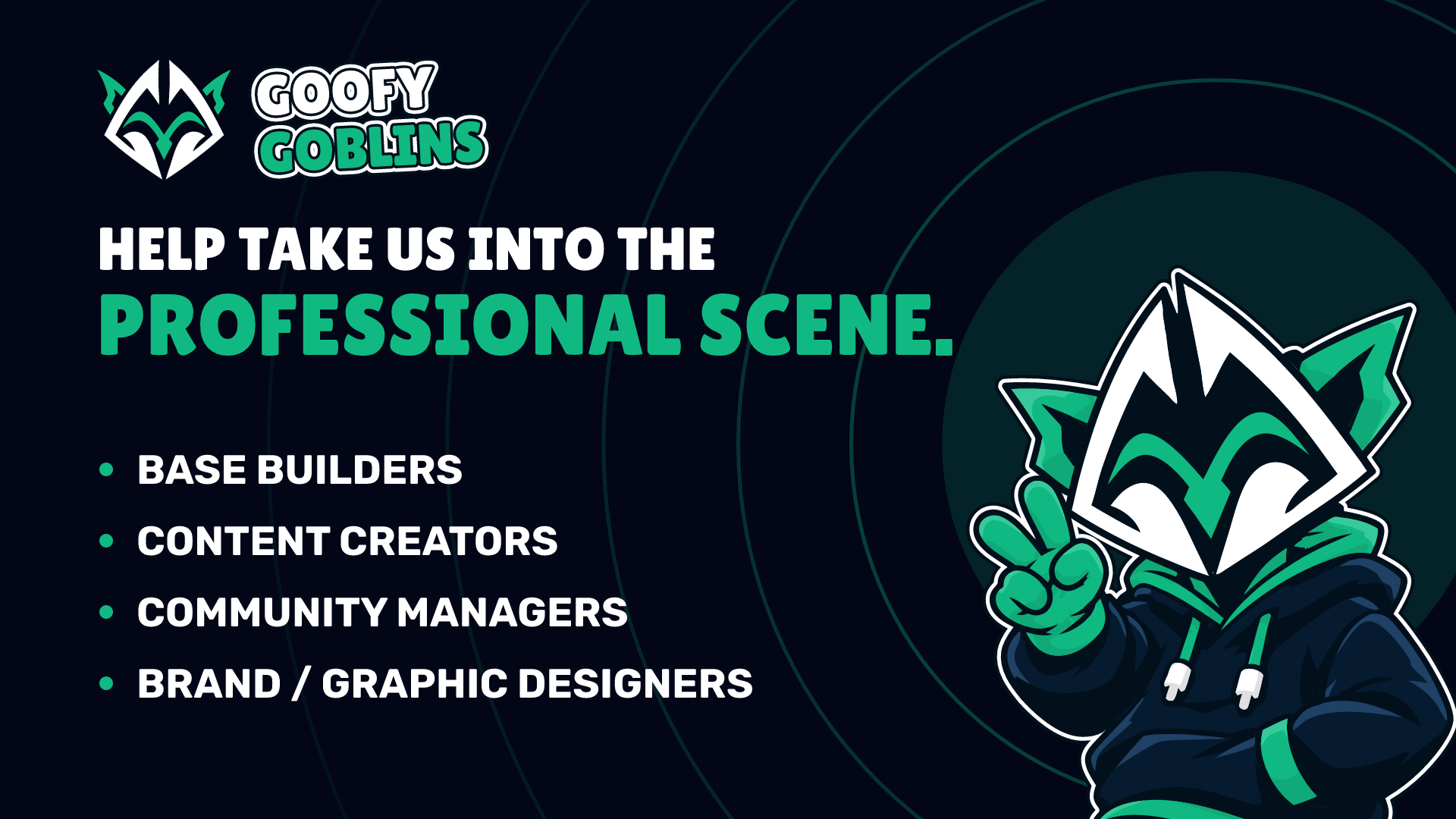
A card for finding new members, the QR code on it, and the same card without the QR. The QR opens our Discord.
02
Mascot
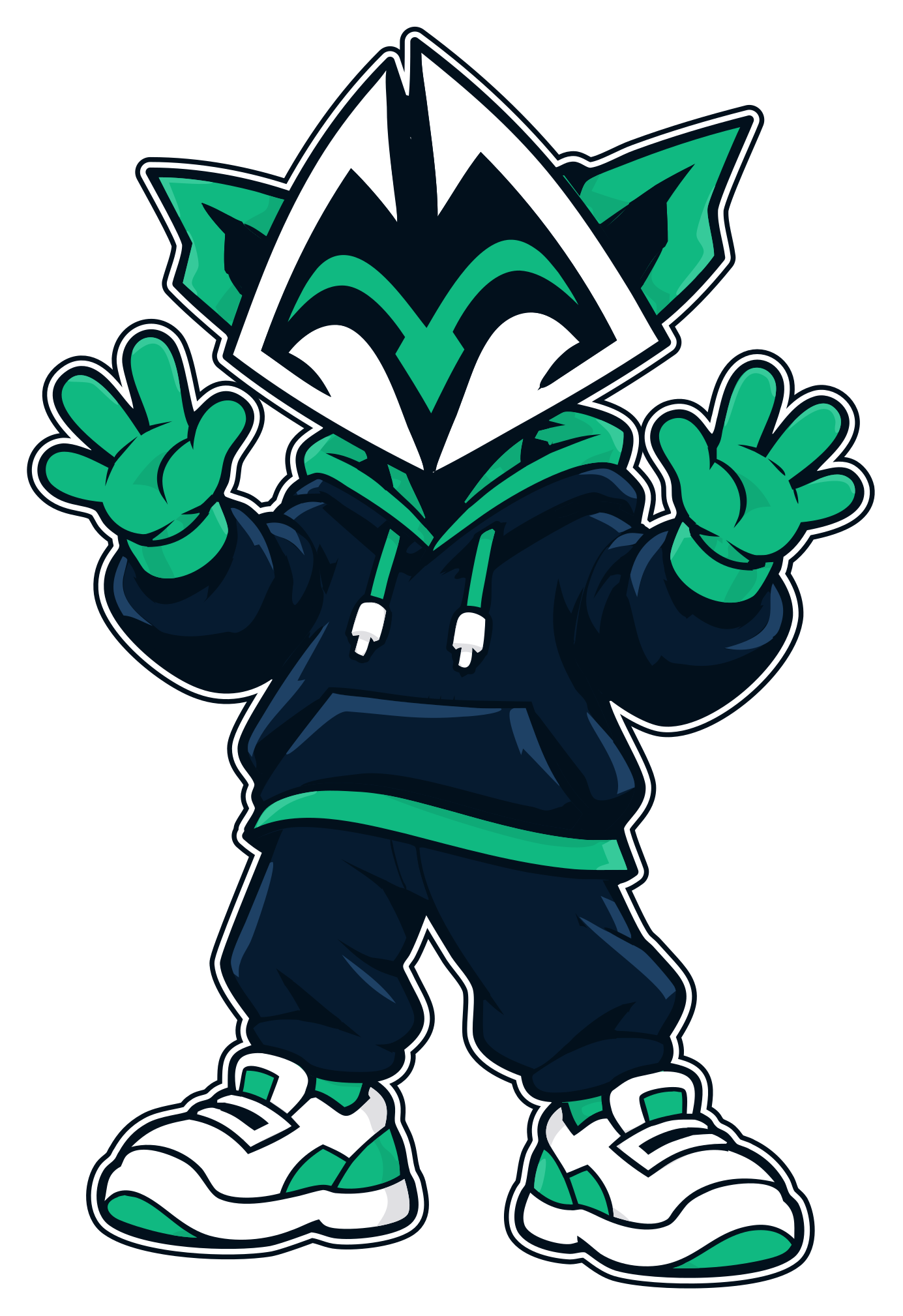
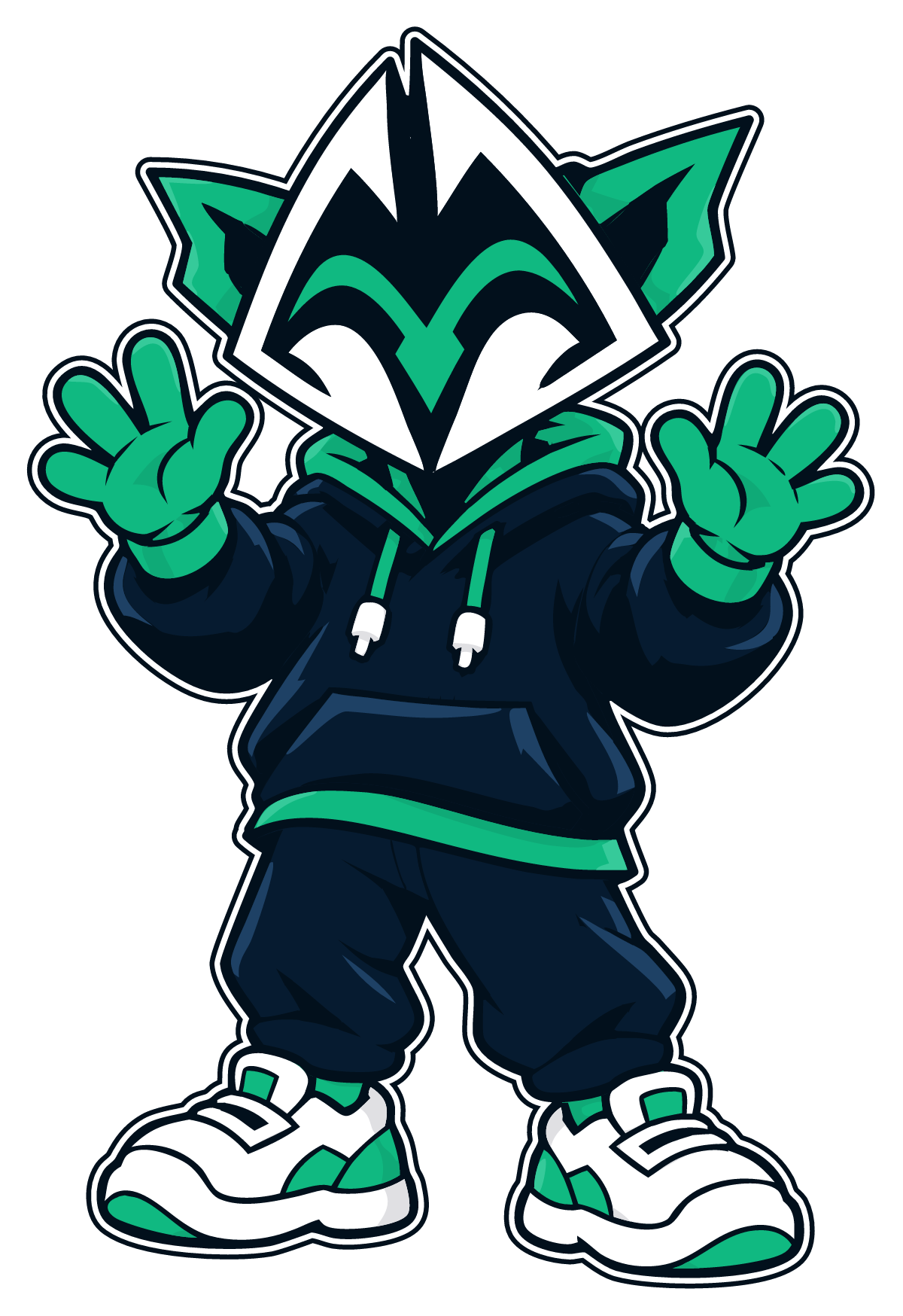
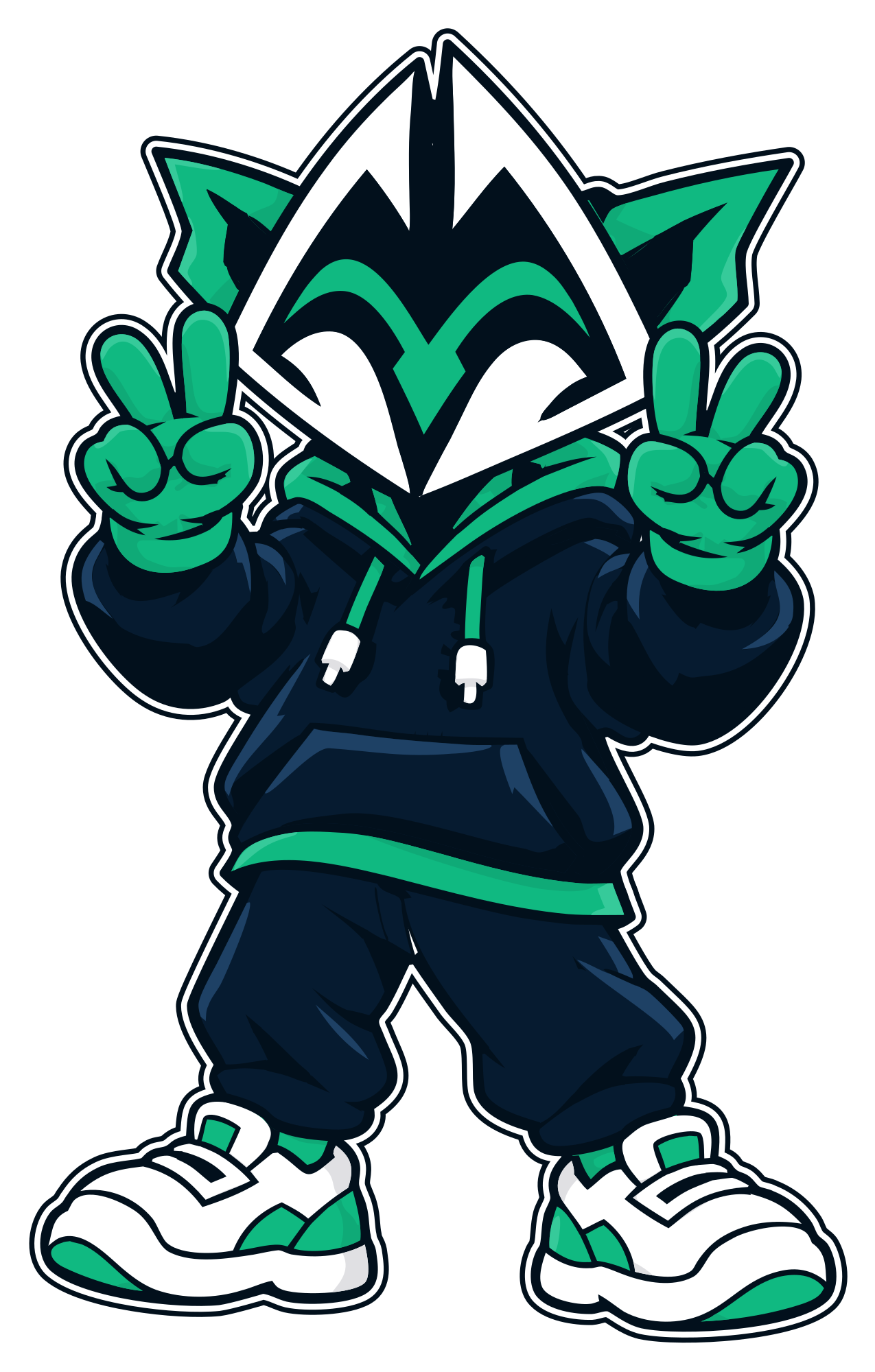
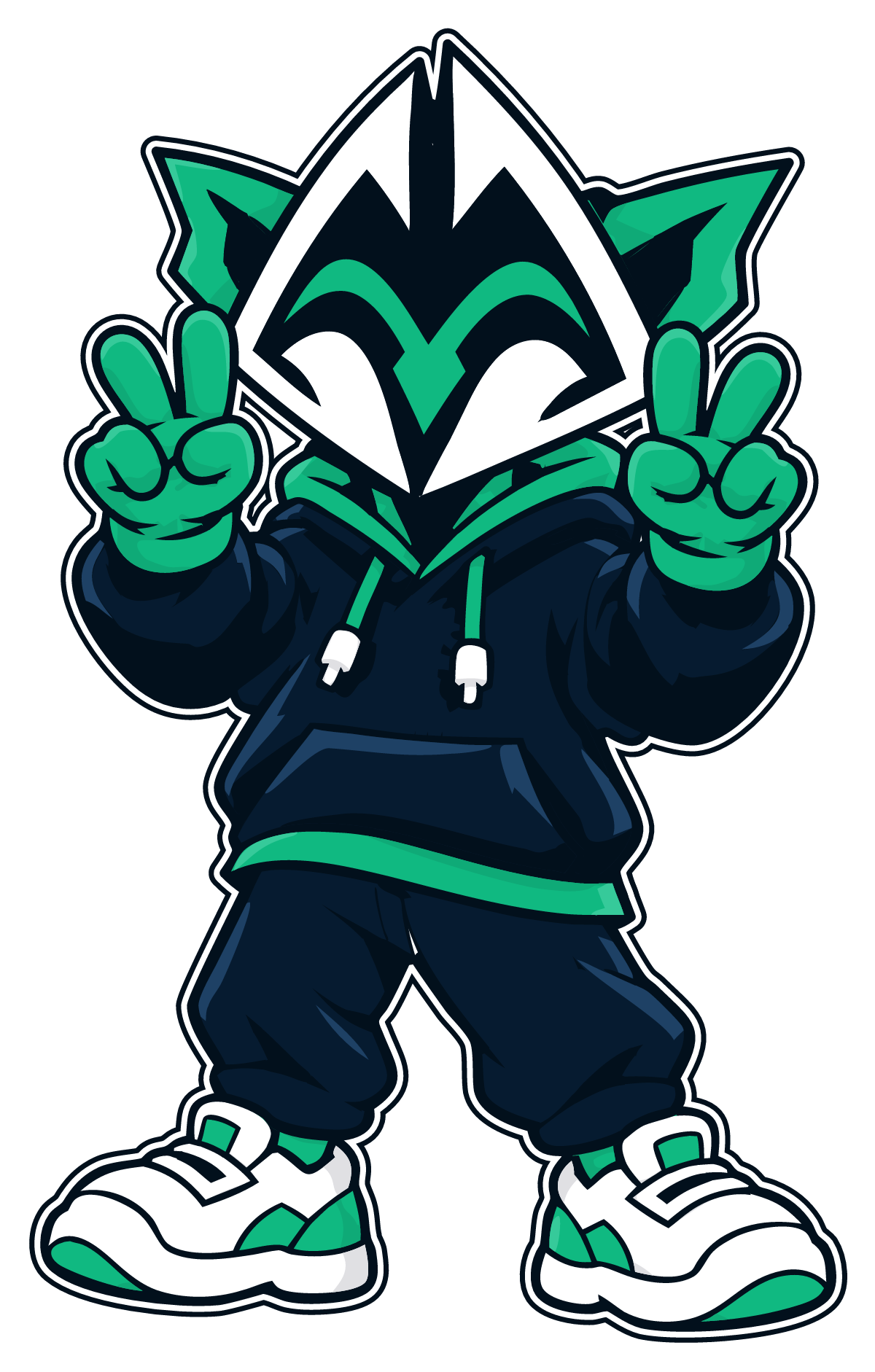
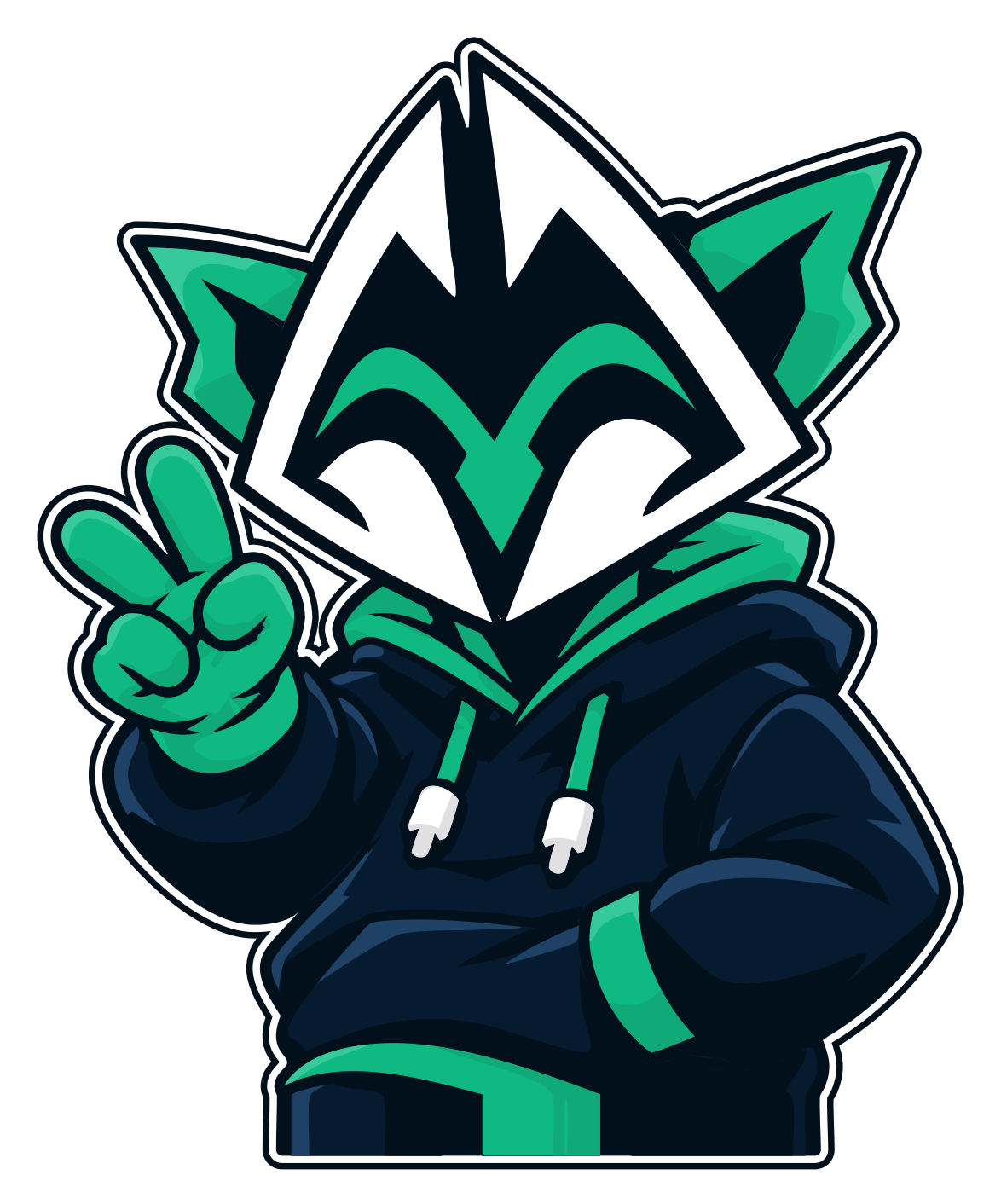
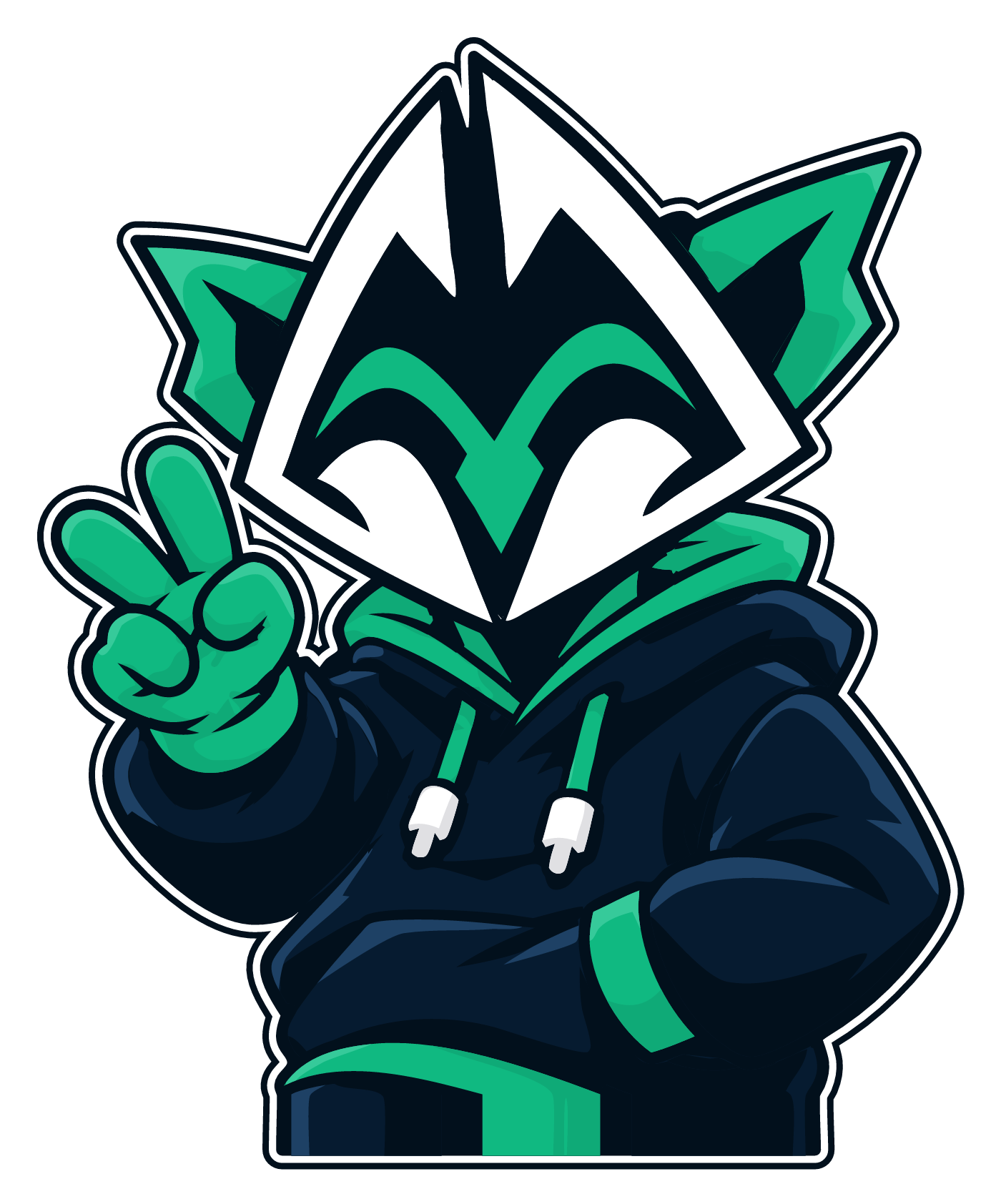
Our goblin in a hoodie. Put it in posts, thumbnails and streams to make them feel like us. The PNGs have transparent backgrounds.
Keep the sticker border.
The white band lifts the goblin off dark or busy backgrounds. Don’t crop it off.
Go big.
The goblin should be the biggest thing in the picture, not a small figure in an empty space.
Leave the face alone.
Don’t redraw, stretch or recolour it. Outlines are navy and white, never black.
Need another pose?
Ask in our Discord. New poses come from the same drawing, so they always match.
03
Our name
Goofy Goblins
Two words, both capitalised. Not “GoofyGoblins” or “Goofy goblins”. The wordmark sets it in capitals; in running text, write Goofy Goblins.
Us, or one clan
Goofy Goblins is all of us: every clan, the Discord and goofygoblins.gg. Our first clan carries the name too, so when you mean only that clan, say “the Goofy Goblins clan” or give its tag. Our other clans keep their own names.
Formerly ClashGoblin
The site was called ClashGoblin until September 2026, and old clashgoblin.com links still work. Please use Goofy Goblins in anything new.
04
Colour and type
Goblin Green
#10B981
The ears and brow, and GOBLINS in the wordmark; accents and highlights.
Night Navy
#02101C
Outlines: the mark’s edge, the sticker’s keyline and the mascot’s ink.
Midnight
#020617
Dark backgrounds and panels: a shade darker than the navy, so the outlines still show.
Hoodie Navy
#061B30
The mascot’s hoodie and trousers. Not for backgrounds or text: the hoodie would disappear into it.
White
#FFFFFF
The mark’s G’s, GOOFY in the wordmark and the sticker band.
GOOFY GOBLINS
Lilita One, in capitals: “GOOFY” in white, “GOBLINS” in green. For the wordmark itself, use the file: the tilt and the sticker outline are part of it.
Aa Bb Cc Dd Ee Ff 0123456789
Rubik for everything else; bold for labels and buttons. Both are free on Google Fonts.
05
Do and don’t
The mark only works as drawn. Leave it room, keep it big enough to read, and don’t change it.
Clear space. Keep at least a quarter of the mark’s height empty on every side.
Minimum size. 24 px tall on screen, 10 mm in print. Smaller than that, use the icon.
The right version. The colour mark on dark. On light, the navy mark below 100 px.
Don’t: Stretch or squash it.
Don’t: Recolour it.
Don’t: Rotate it or add effects.
Don’t: Use the colour mark small on a light background.
06
Describing us
Ready to paste into a server description, a video, a tournament page or a profile.
One line · 18 words
Goofy Goblins is a Clash of Clans community: a family of clans, and free tools for every player.
Short · 49 words
Goofy Goblins is a Clash of Clans community built around a family of clans and a set of free tools. Plan bases in a precision builder with defensive range overlays, see what the ranked ladder is really running this week, and meet our clans before you join. Formerly ClashGoblin.
Long · 103 words
Goofy Goblins is a Clash of Clans community: a family of clans that war, climb the ranked ladder and teach each other, and the free tools we build for every player at goofygoblins.gg. The base builder lays out any Town Hall with defensive range overlays and live co-op editing, so a clan can plan a base together. The ranked meta follows real attacks from the top of the ladder and every Town Hall board to show which armies and hero loadouts are winning this week. The About Us page shows who we are, from the leaders to every member. Formerly known as ClashGoblin.
07
Questions
Need a format that isn’t here, or not sure a use is OK? Ask the leaders in our Discord. We’re happy to help, and we’d love to see what you make.
Ask in Discord